Standing Desk vs Sitting Desk
Compare the pros and cons of standing and sitting desks to find the best setup for your comfort, health, and productivity.
Choosing the right desk setup goes beyond aesthetics. Your decision impacts comfort, energy levels, focus, and even long-term health. Both standing and sitting desks have advantages and trade-offs, and the best choice often depends on your workflow, space, and habits.
Desk Setup Comparison
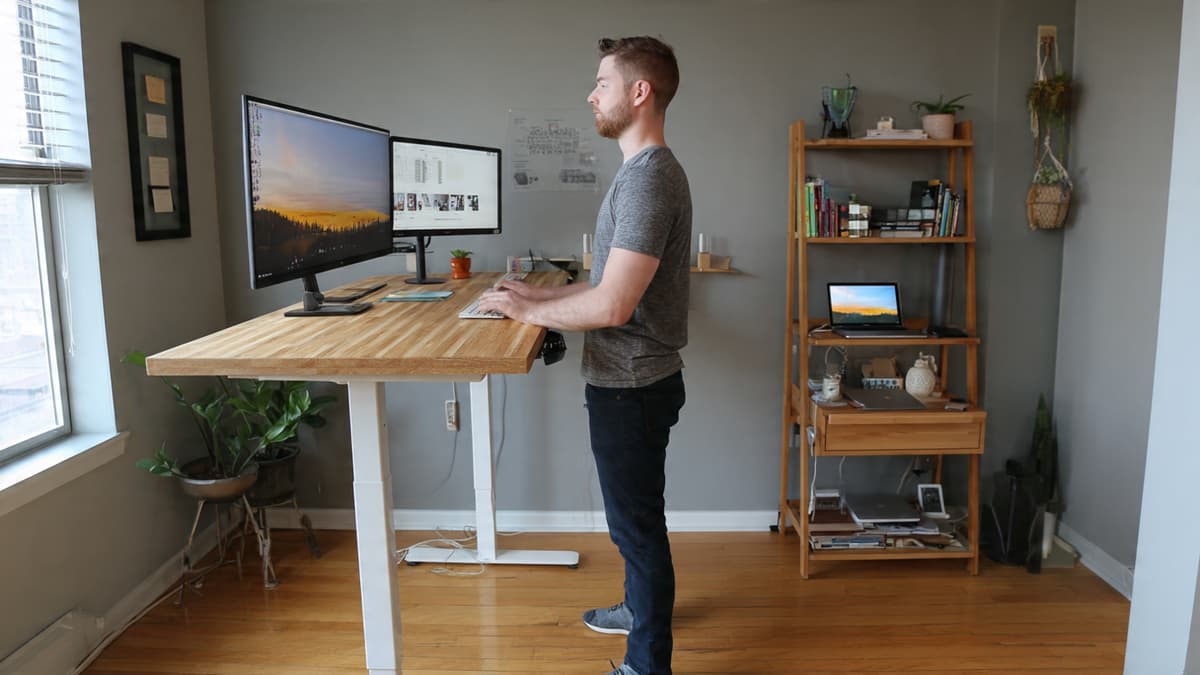
Standing Desk Setup: Elbows at ~90°, monitor top at eye level, and feet flat. This position encourages proper posture and reduces strain while standing.
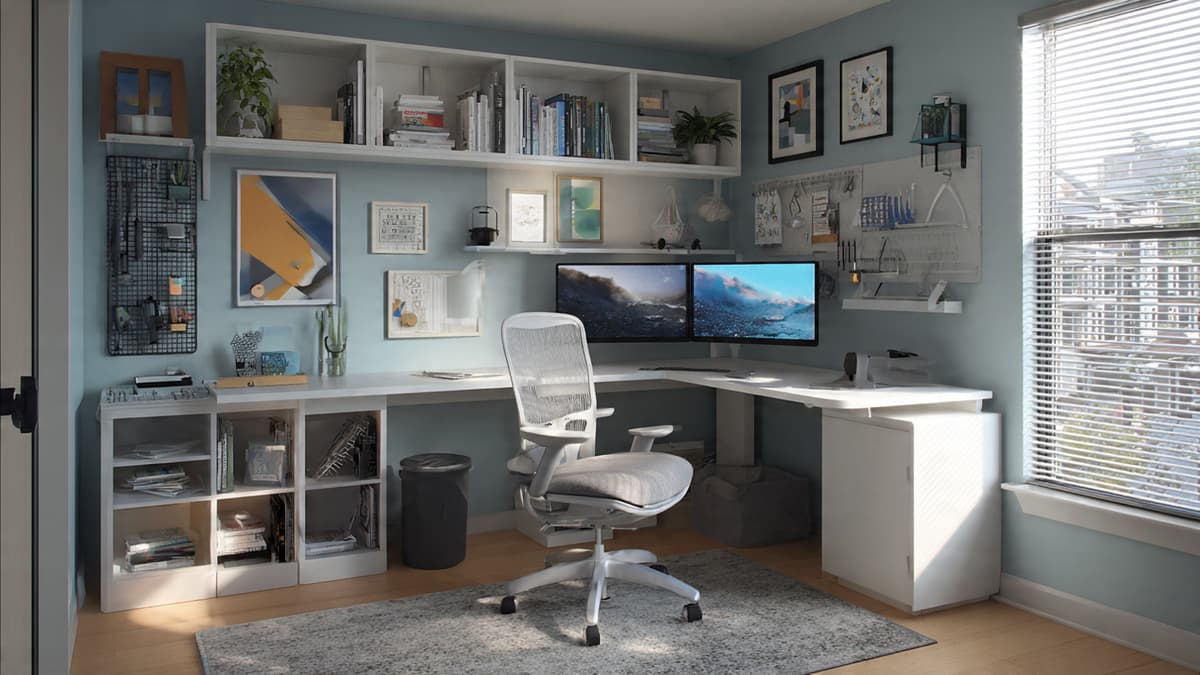
Sitting Desk Setup: Chair and desk adjusted so knees are ~90°, hips slightly above knees, monitor at eye level, and wrists straight. Supports long focus sessions comfortably.
Storage Options Comparison
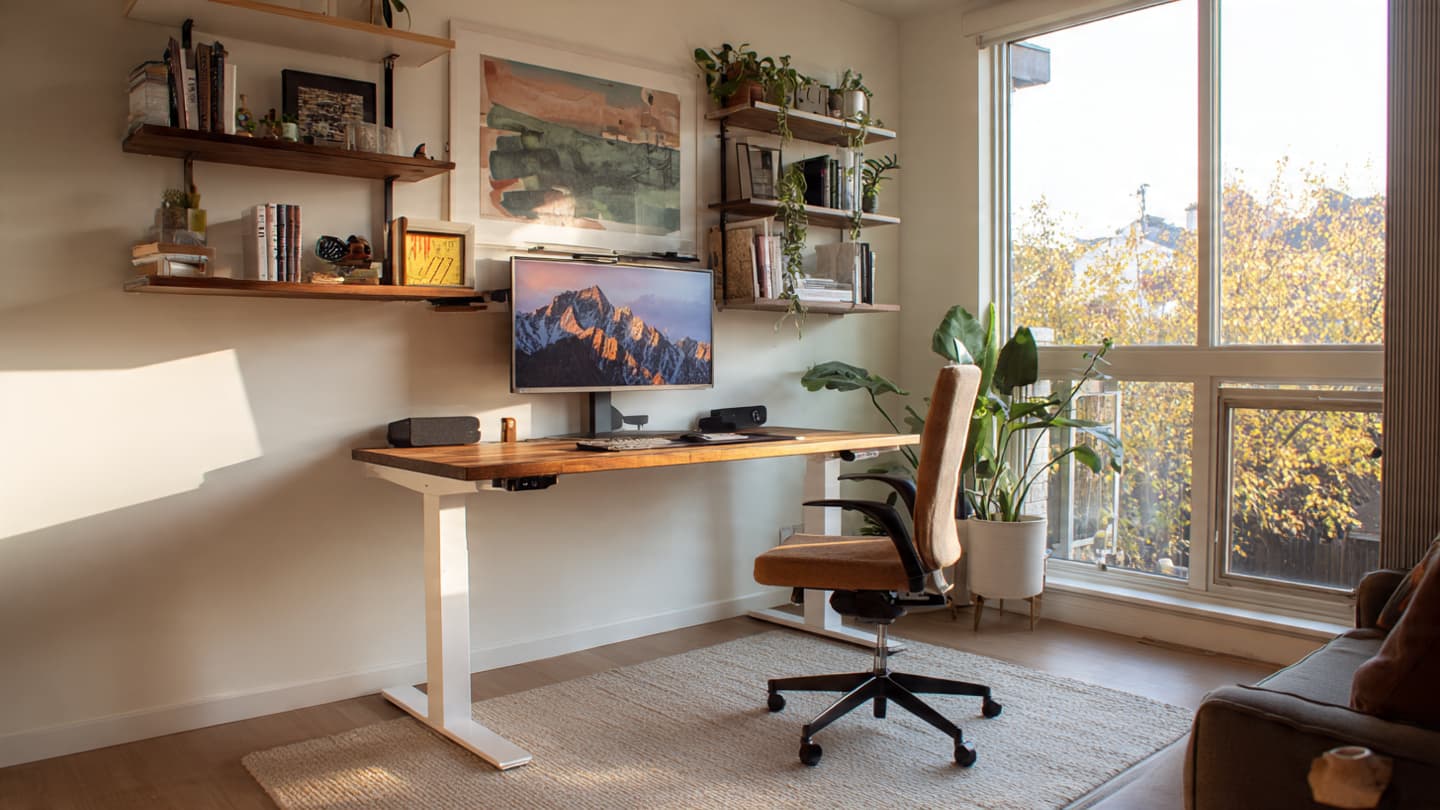
Standing Desk
- Minimal under-desk storage due to clearance
- Wall-mounted shelves become primary storage
- Mobile drawer units preferred over fixed
- Monitor arms replace traditional monitor shelves
- Adjustable cable trays move with desk height
Best for clutter-light setups and vertical storage solutions.
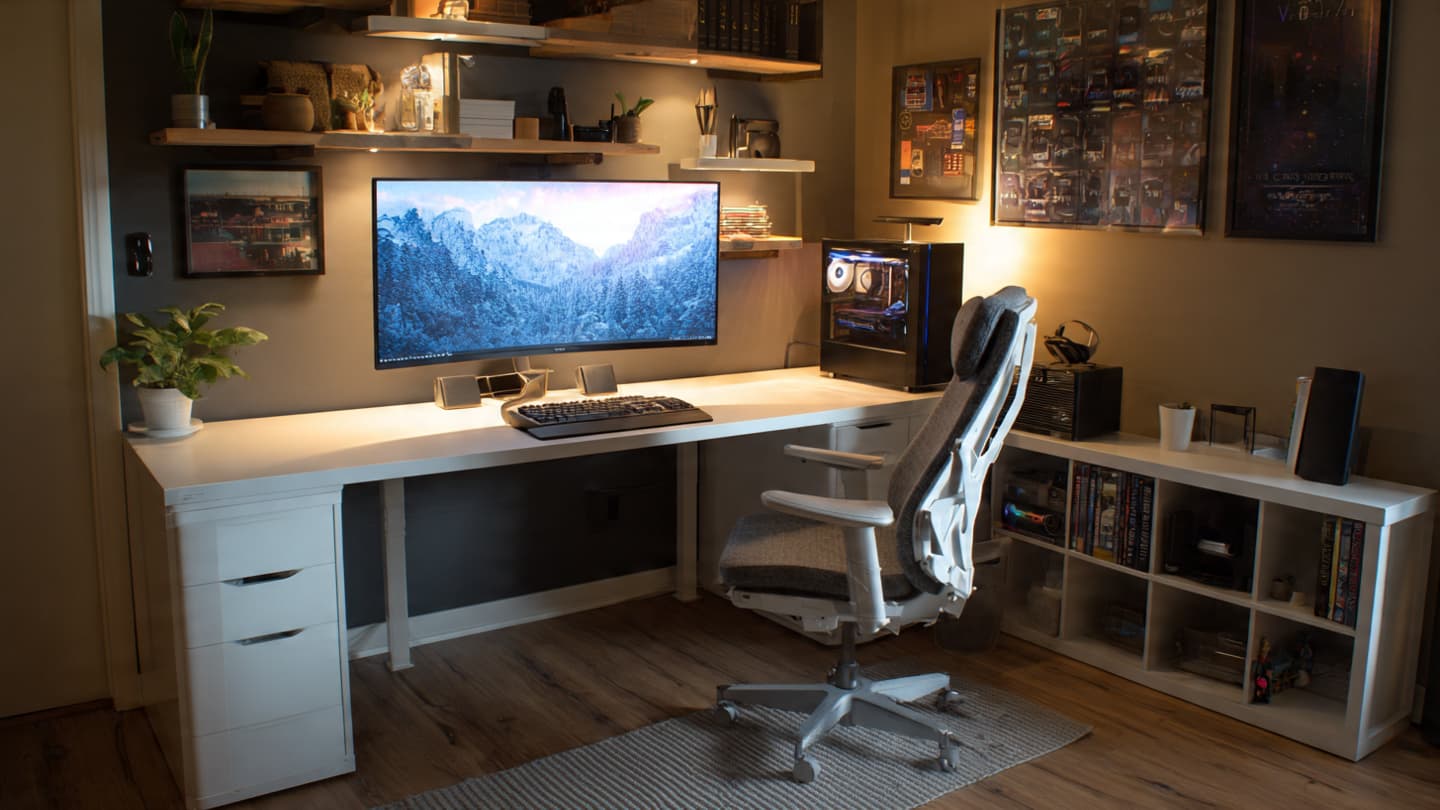
Sitting Desk
- Drawer units and cabinets fit easily under the desk
- Monitor risers can double as shelves
- CPU mounts are easier to install
- Heavier storage does not affect desk stability
- Permanent cable routing possible
Ideal for gear-heavy setups and traditional office layouts.
Ergonomics Comparison
Standing Desk
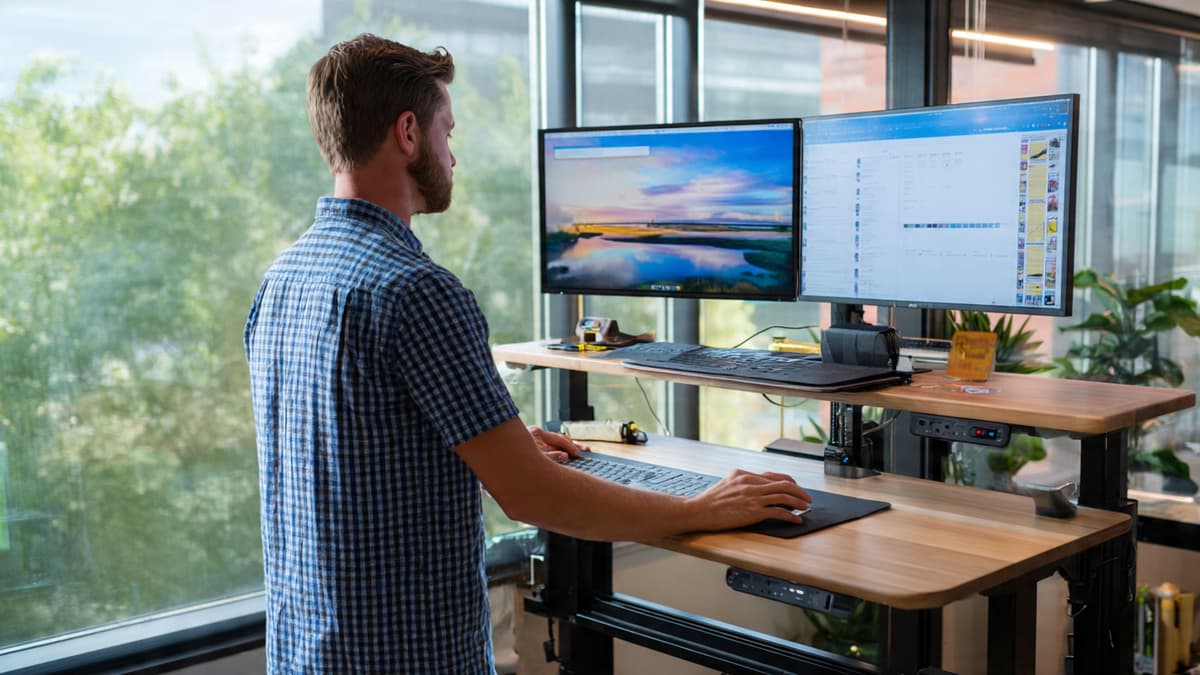
- Elbows bent at ~90°
- Monitor top at eye level
- Feet flat with slight knee bend
- Shift weight every 20–30 minutes
- Anti-fatigue mat for comfort
Sitting Desk
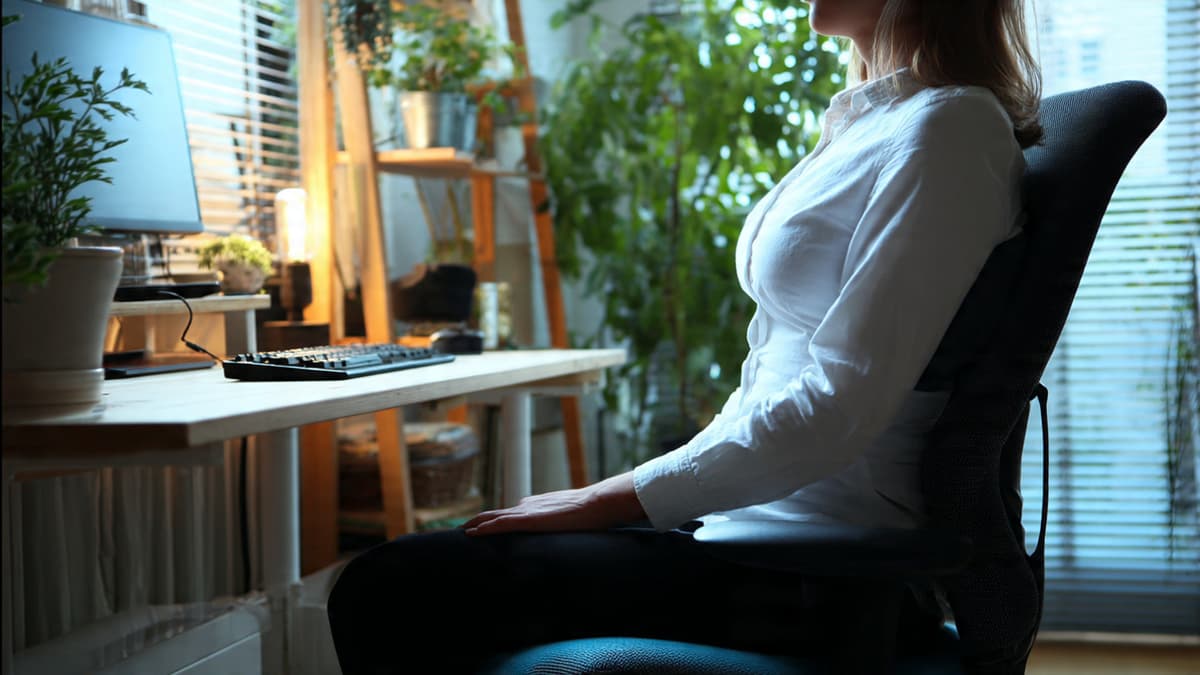
- Feet flat on floor or footrest
- Knees ~90°, hips slightly higher
- Lumbar-supported back
- Wrists straight at desk height
- Avoid slouching with chair adjustments
Health Benefits & Drawbacks
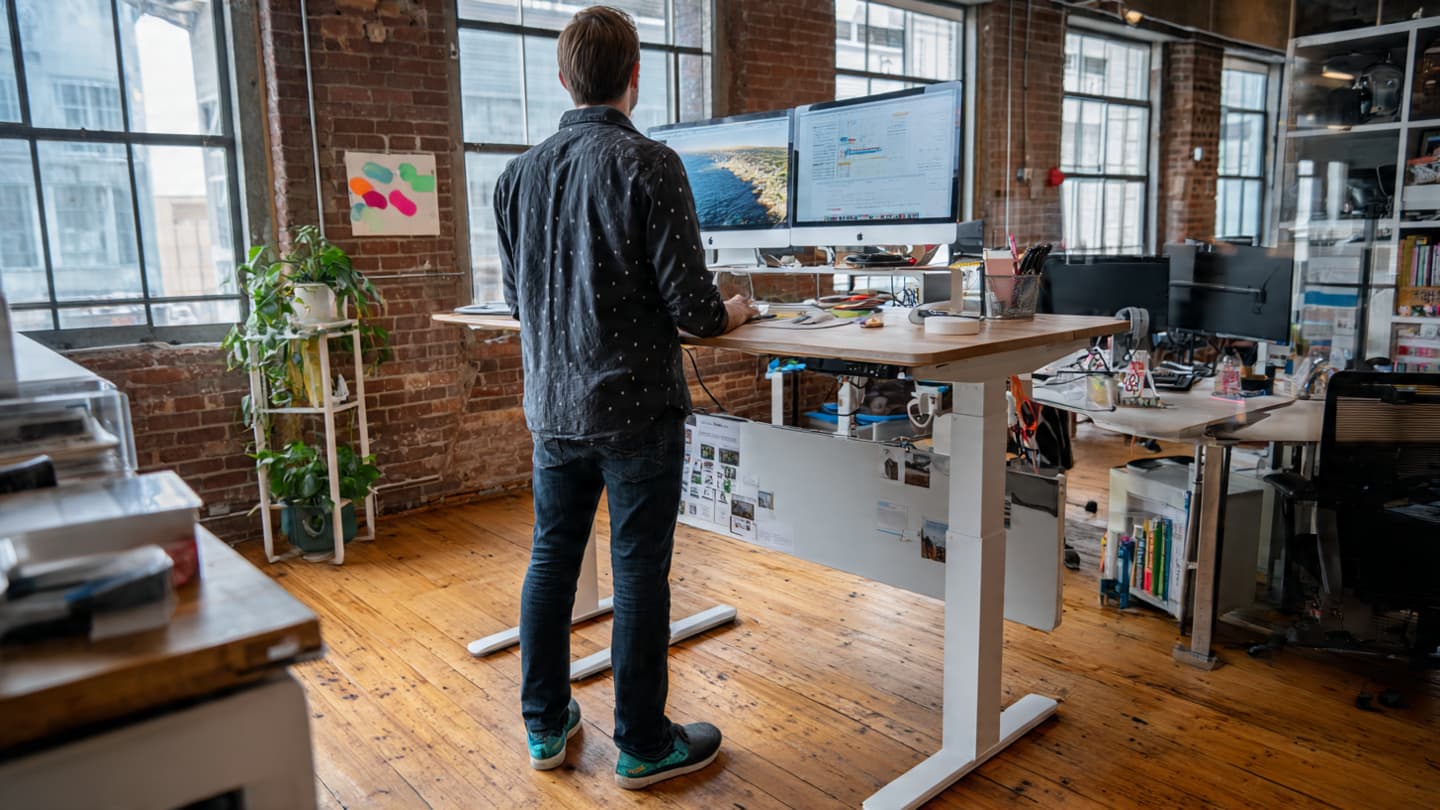
Standing Desk
Pros
- Improved circulation
- Reduced sedentary time
- Short-term energy boost
Cons
- Leg and foot fatigue
- Needs posture awareness
- Harder for long typing sessions
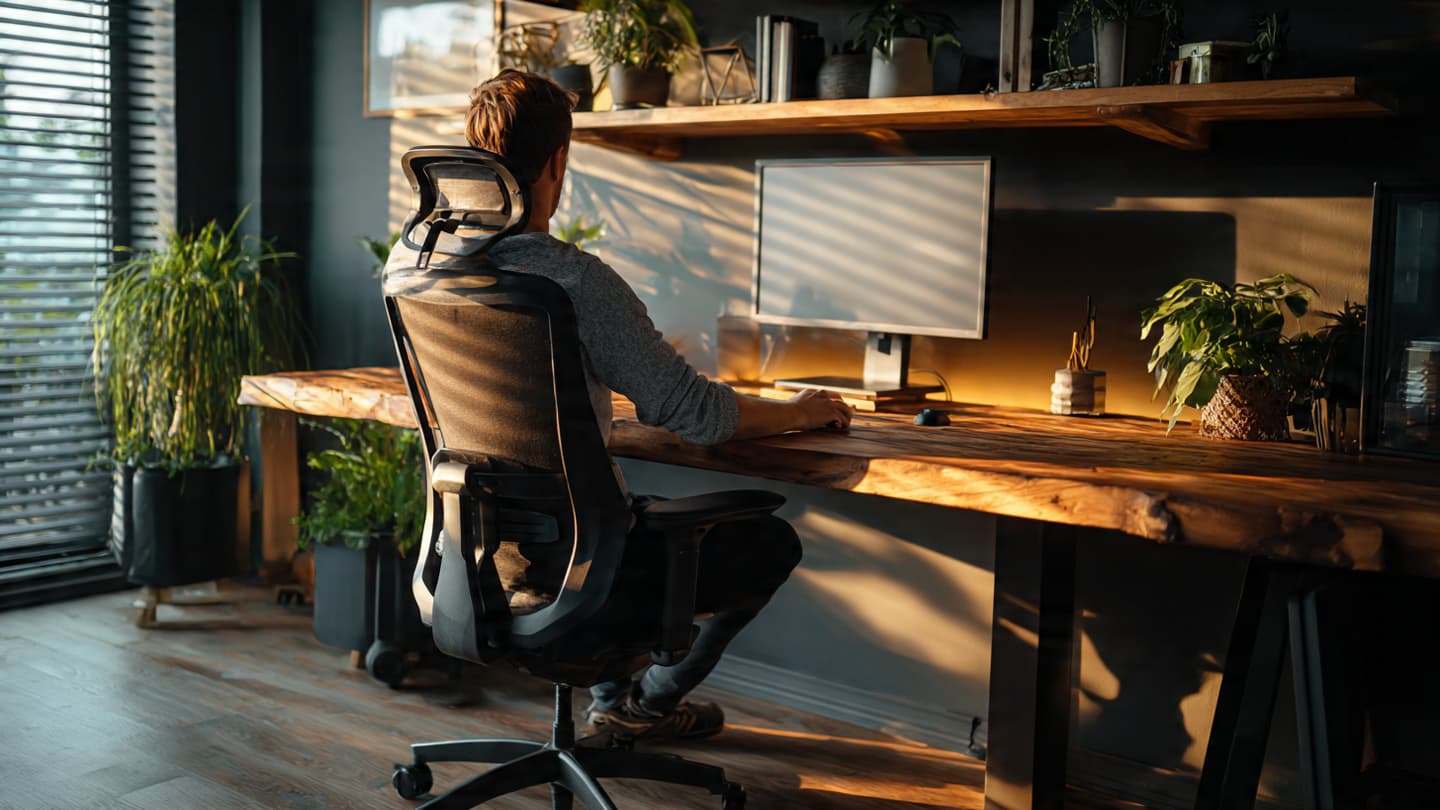
Sitting Desk
Pros
- Better for deep focus
- Stable posture with chair support
- Lower physical fatigue
Cons
- Reduced circulation if sedentary
- Back pain without breaks
- Higher risk of slouching