Desk Setup Mistakes That Hurt Productivity (And How to Fix Them)
A great desk setup isn’t just about looks. Small mistakes in layout, ergonomics, and gear choices can quietly destroy your focus, comfort, and long-term health. Here are the most common desk setup mistakes — and what to do instead.
Who This Guide Is For
- Remote workers and students
- Gamers who sit for long sessions
- Anyone with neck, back, or wrist discomfort
- People building a home office on a budget
Why Your Desk Setup Matters More Than You Think
Your desk setup directly affects how long you can focus, how your body feels at the end of the day, and how productive you are over time.
Poor ergonomics rarely cause immediate pain. Instead, they create slow, compounding strain that builds quietly until it becomes hard to ignore.
1. Monitor Positioned Too Low or Too High
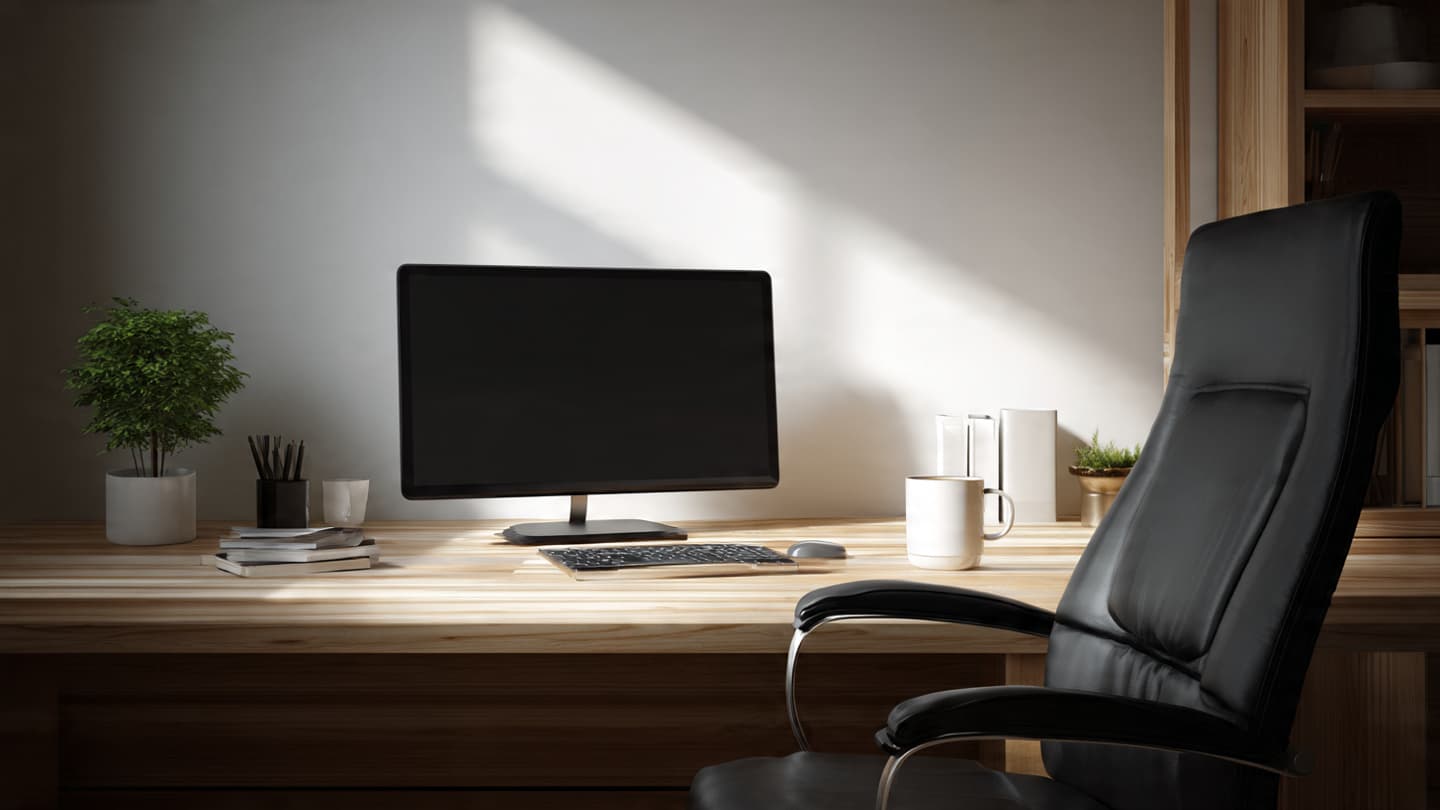
When your monitor isn’t at eye level, your neck compensates. Over time, this leads to stiffness, headaches, and poor posture. The last thing you want is to be in pain. In extreme cases, this can lead to the need for cortisone injections as you place your neck into positions that are not ergonomic.
Fix:
Adjust your monitor so your eyes naturally land on the top third of the screen. A monitor stand or adjustable arm makes this easy. Another great option is an adjustable monitor arm that allows you to move the monitor to exact angle based on your setup.
2. Sitting Too Close to the Screen

Sitting too close forces your eyes to constantly refocus, increasing eye strain and visual fatigue. In a world where everyone is using a mobile device that is within inches of your face, having the appropriate distance from your face is crucial.
Fix:
Place your monitor roughly an arm’s length away. This works out to approximately 20-40 inches if you want the exact measurements. This also depends on monitor resolution. For high resolution (1440p or 4K resolution), consider distances that are further for optimal eye comfort. Larger displays may need slightly more distance.
3. Ignoring Chair and Desk Height Alignment
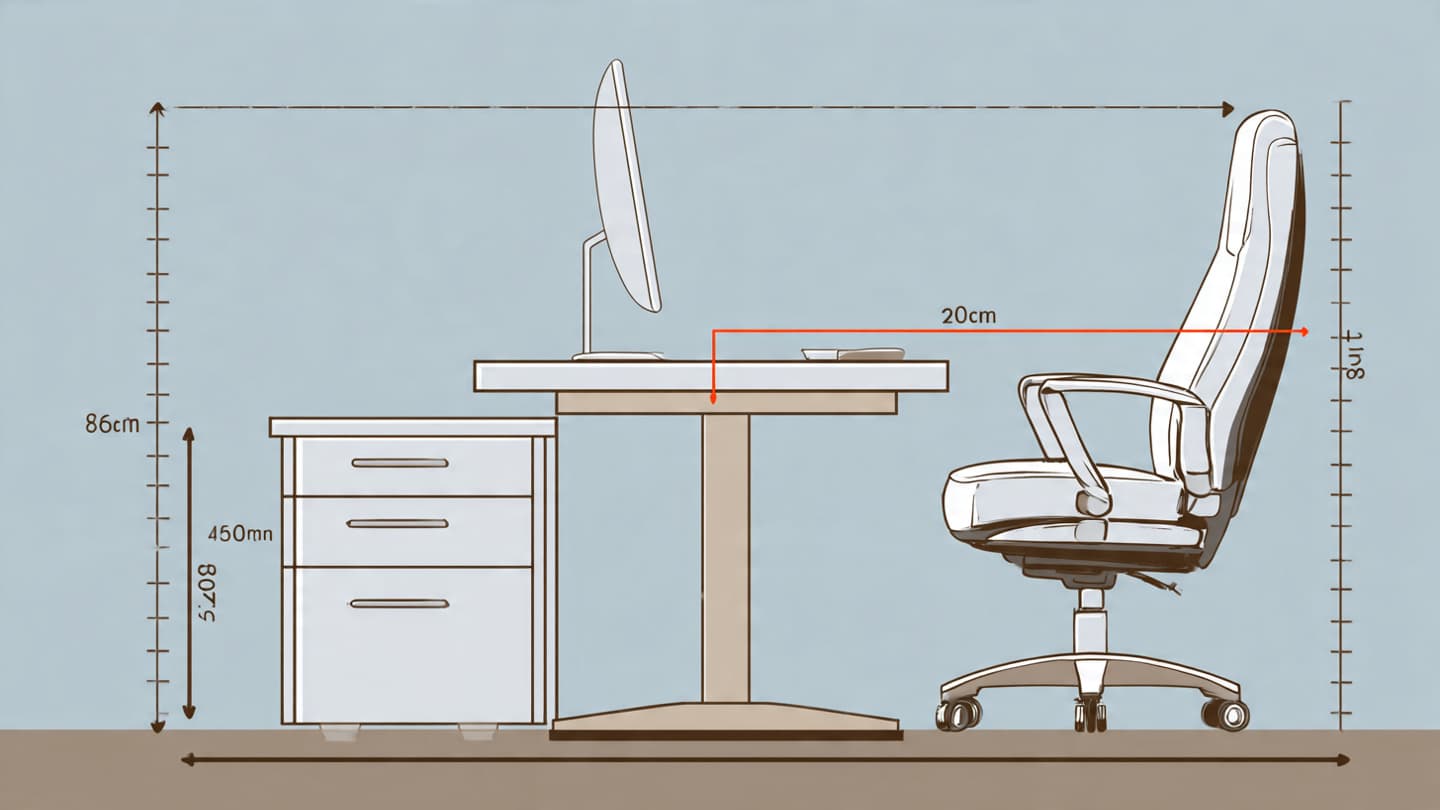
Poor chair and desk alignment causes wrist pain, shoulder tension, and long-term discomfort. This has been known to lead to carpal tunnel syndrome, a debilitating restriction of the nerve that runs through your wrist that ensures everything in your hand works properly.
Fix:
Adjust your chair so your elbows rest near a 90-degree angle and your feet sit flat on the floor. Make sure your elbows are at roughly the same height as your wrists. Ideally your arm rests should be close to the same height as your desk.
4. Cluttered Desk, Cluttered Mind
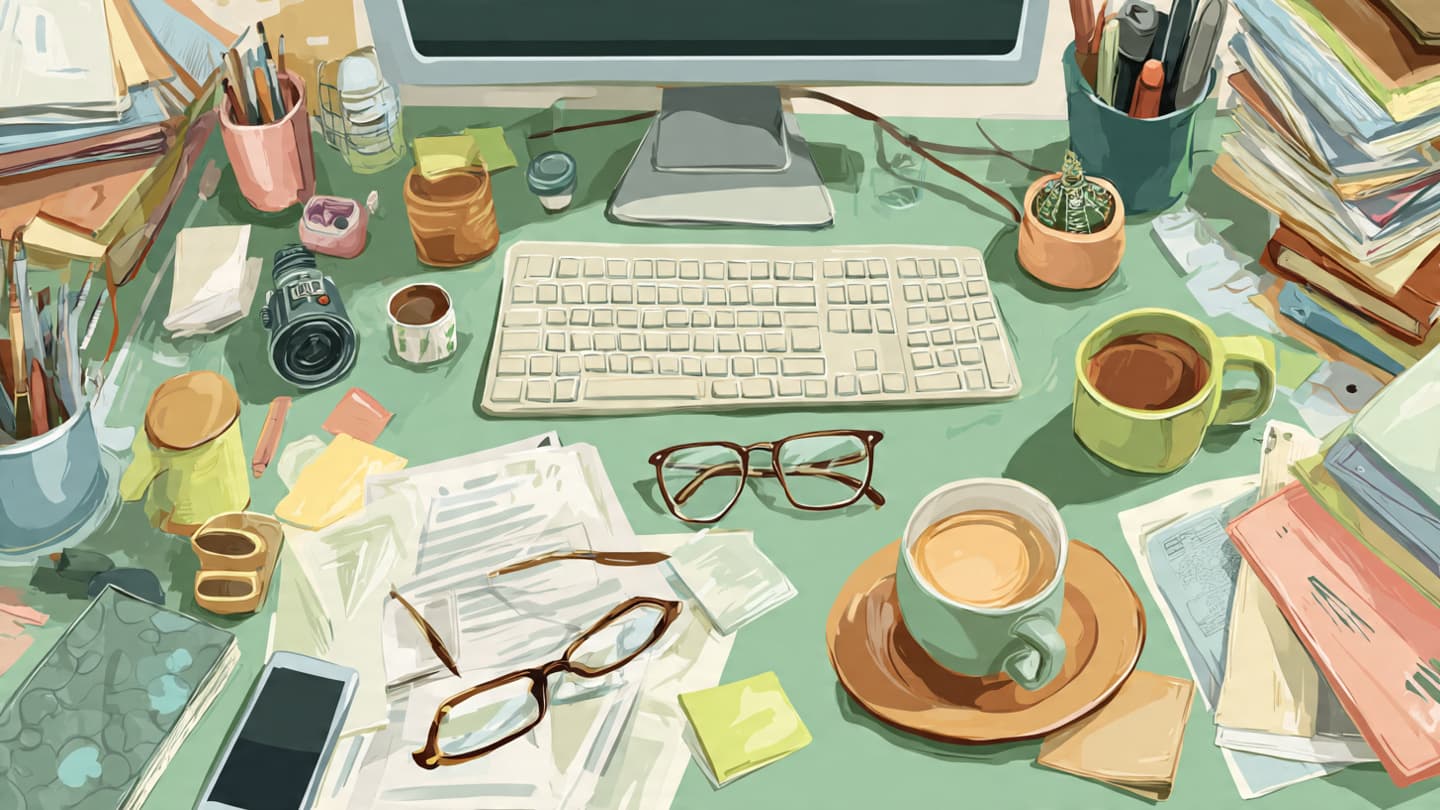
Visual clutter competes for your attention even when you’re not consciously aware of it. Every time you switch tasks—like checking your phone—it can take up to 20 minutes to fully return to deep, focused work.
Fix:
Keep only essential items on your desk and store everything else in drawers or organizers. For me, I have a pair of headphones, my key and wallet, along with a microphone that is attached to the edge of the desk. If you really want to reduce clutter, consider purchasing wireless only peripherals (keyboard, mouse, headphones).
5. Poor Lighting Choices
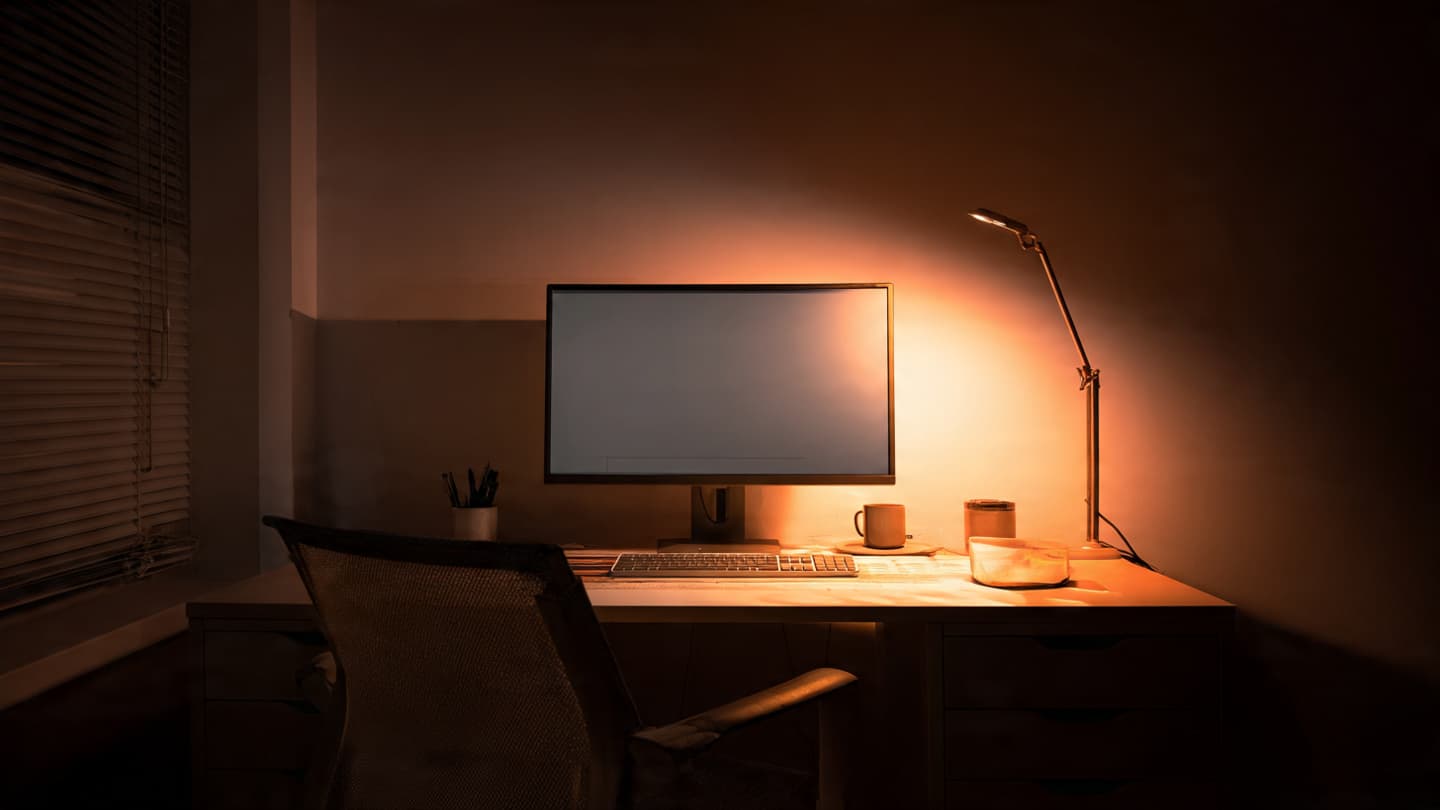
Harsh overhead lighting or glare from desk lamps increases eye strain and discomfort.
Fix:
Use balanced ambient lighting with a desk lamp that doesn’t shine directly into your eyes or screen. Ideally purchase a monitor that doesn't produce blue light, the light responsible for keeping us awake when we look at devices. Many modern day monitors have dark mode options built in. Consider reducing overall light exposure at night by focusing on the use of desk lighting that has adjustable intensity and color preferences.
6. Keyboard and Mouse Placed Incorrectly

Reaching forward or bending your wrists creates unnecessary strain on your arms and shoulders. Many keyboard are designed with a flat design, which are not adapted to our anatomy.
Fix:
Keep your keyboard and mouse close, centered with your body, and at a comfortable height. Your main goals should be limited pressure on your wrists while also ensuring your elbows are not the main pressure point (can cause numbness over prolonged periods).
7. Choosing Style Over Comfort
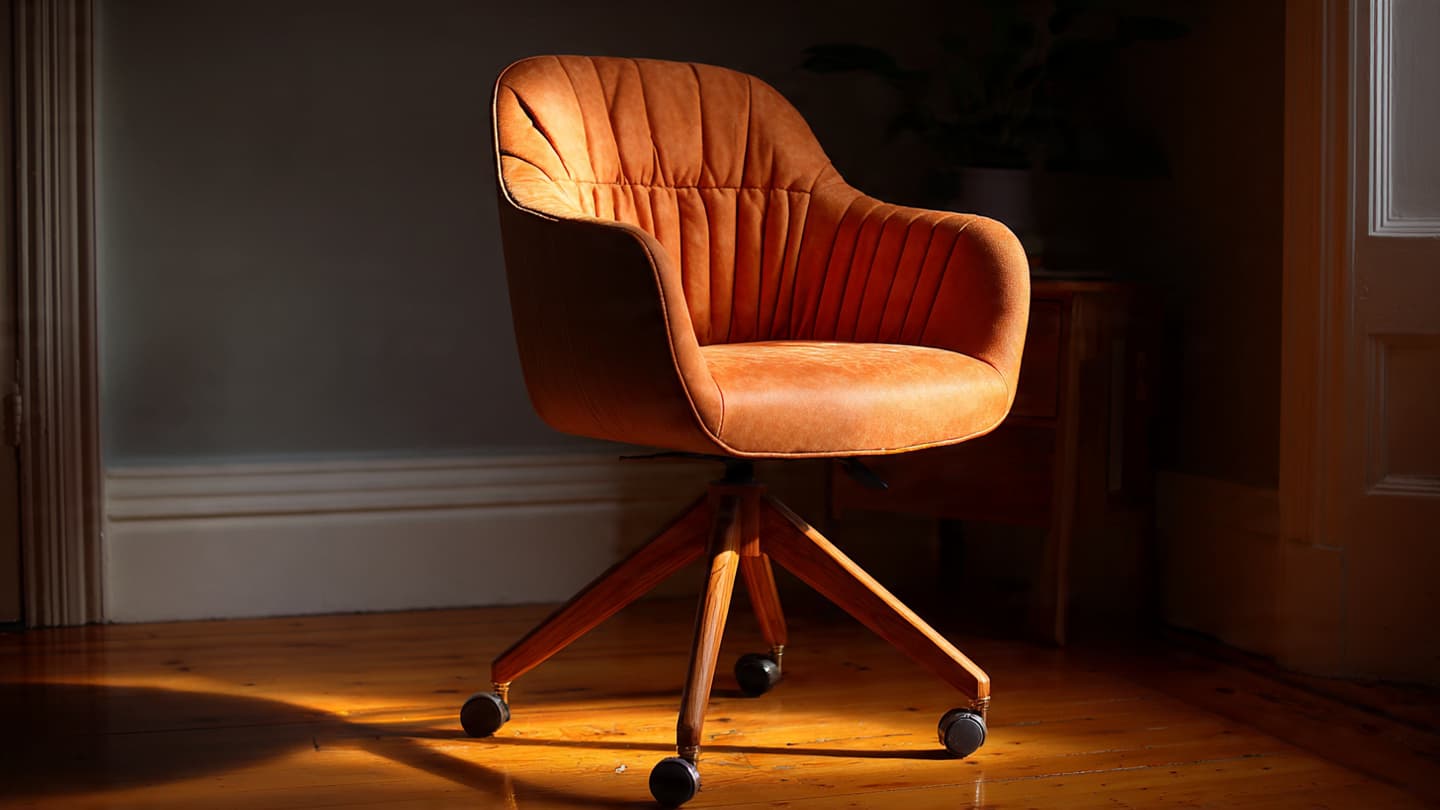
Stylish desks and chairs often lack proper support for long work sessions. While aesthetics do play a sizeable role in your overall satisfaction, comfort should be prioritized.
Fix:
Consider testing your office furniture first when possible while still matching color and textures. Looking at reviews is an obvious starting, however making sure that optimal cushioning such as lumbar support on your chair are critical for long term back health. The last thing you want is going under the knife after 30 years bad posture and poor quality furniture.
8. Never Adjusting Your Setup
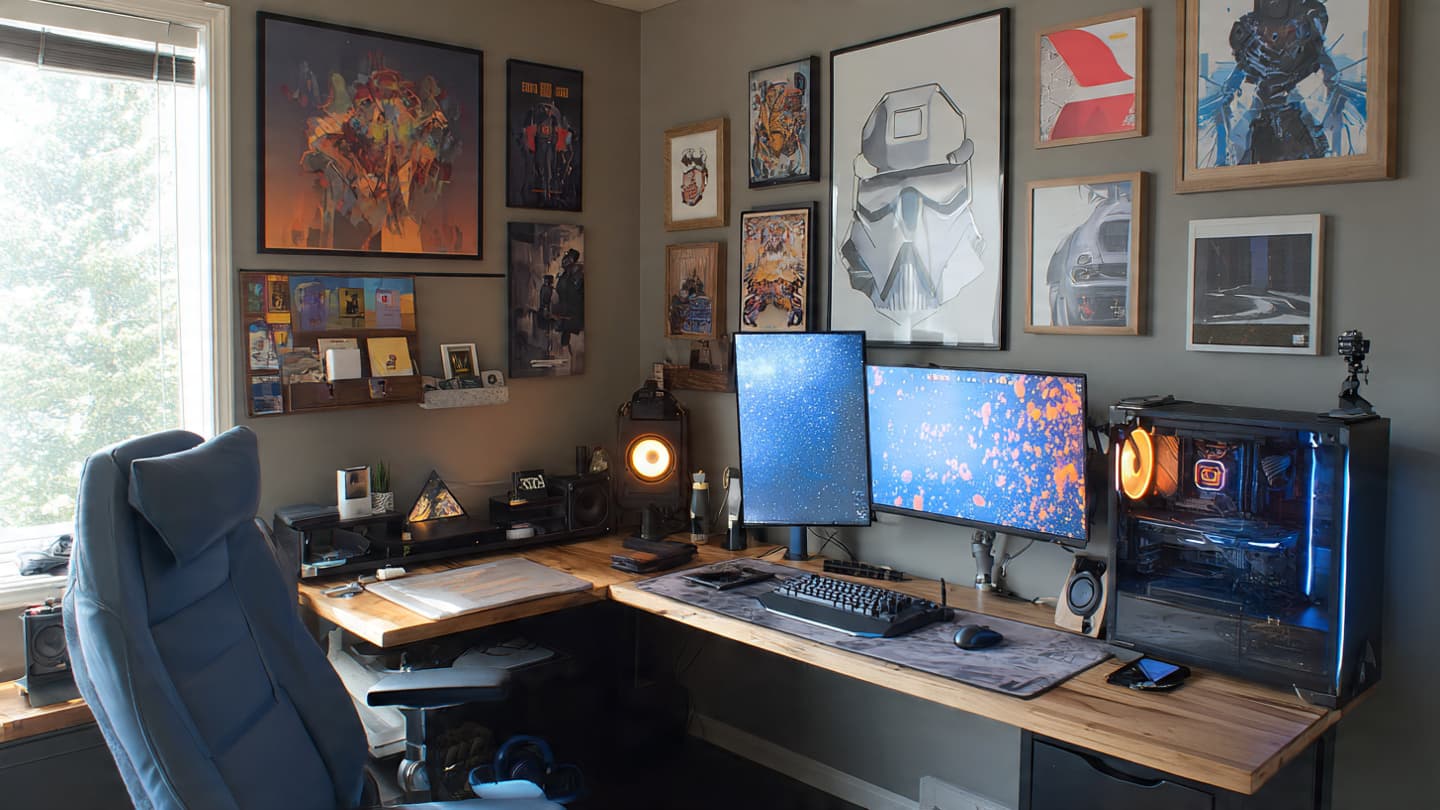
Your body and work habits change, but many people never update their desk setup. This could mean you've been told you need to walk more by your doctor, but you don't know when that will happen in your busy schedule.
Fix:
Revisit your setup every few months and make small adjustments as needed. Adding a small plant or holder for your phone can make a big difference in overall productivity in the long run. If you have the budget, consider purchasing an affordable standing desk with a desk treadmill to hit your step goals.
Fixing these desk setup mistakes doesn’t require expensive gear — just thoughtful adjustments. If you want inspiration, visit our desk gallery or explore our guide to desk ergonomics.